


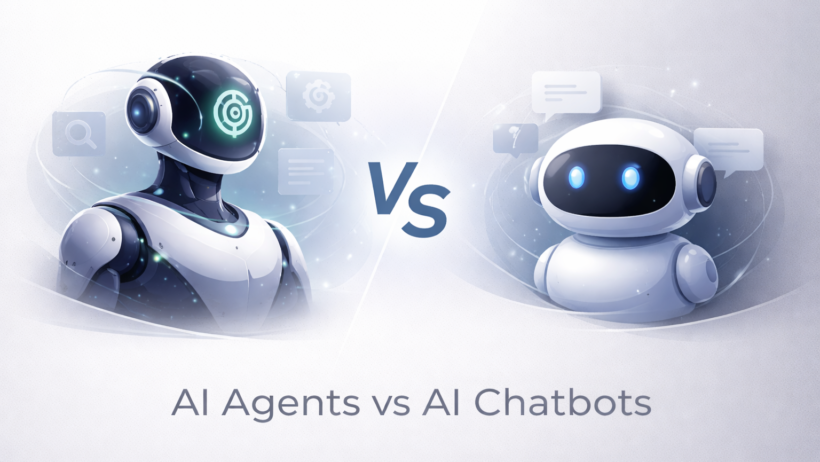

The real difference between AI agents vs AI chatbots is not just that one is “smarter.” It is that a chatbot mainly talks, while an agent is designed to pursue a goal, make decisions across steps, use tools, and take actions. A chatbot helps you through conversation. An agent is built to help you finish a task.
That sounds simple, but the line is getting harder to see. Modern chat products now browse, use tools, and remember context. At the same time, many agents still use chat as the interface. So if you are trying to choose the right system, the better question is not “Does it chat?” It is “Can it plan, act, and complete work with some level of autonomy?”
The short answer
If your goal is answering questions, handling support, or guiding users through a simple flow, a chatbot is usually enough. If your goal is researching, coordinating tools, updating systems, or finishing a multi-step workflow, you are closer to agent territory.
In plain English, a chatbot is usually about conversation. An agent is about outcomes.
AI agents vs AI chatbots at a glance
| Factor | AI chatbot | AI agent |
|---|---|---|
| Main purpose | Hold a conversation and answer prompts | Pursue a goal and complete tasks |
| Typical behavior | Responds to user input | Plans, reasons, uses tools, and acts |
| Workflow depth | Often single-step or lightly guided | Often multi-step and stateful |
| Autonomy | Low to moderate | Moderate to high |
| Tool use | Optional and often limited | Central to how it works |
| Best for | Support, FAQs, basic assistance, simple drafting | Research, automation, orchestration, task completion |
| Risk level | Lower | Higher, because actions can affect real systems |
This summary reflects current definitions and examples from Google Cloud, IBM, Microsoft, and OpenAI.
What an AI chatbot actually is
A chatbot is a program built to simulate conversation with a user. IBM defines a chatbot as a computer program that simulates human conversation with an end user, and notes that modern chatbots increasingly use AI and natural language processing to understand questions and automate responses.
That definition matters because it explains the chatbot’s job clearly. A chatbot is there to respond. It may answer questions, summarize text, help with customer support, or walk someone through a scripted process. Even when it feels advanced, its default posture is reactive. You ask, it answers.
A good chatbot can still be very useful. For many teams, that is all they need. Website support bots, internal help assistants, and simple knowledge assistants often work well because the task is mostly conversational.
What an AI agent actually is
Google Cloud defines AI agents as software systems that use AI to pursue goals and complete tasks on behalf of users. It also says they show reasoning, planning, memory, and some level of autonomy to make decisions, learn, and adapt.
Google’s glossary makes the same idea even more concrete. It describes an AI agent as an application that achieves a goal by processing input, reasoning with available tools, and taking actions based on its decisions. It also points to orchestration, memory, state, and tool use as part of how agents work.
That is the heart of it. An agent is not just waiting for the next prompt. It is trying to move a task forward. It may search, compare options, call tools, update a file, trigger a workflow, or ask a follow-up question because it needs something specific to continue.
OpenAI’s ChatGPT Agent is a good current example. OpenAI says it can browse websites, run code, use connectors, create spreadsheets and slide decks, and work through multi-step tasks while allowing the user to interrupt, guide, or confirm important actions. That is much closer to a worker than a classic chatbot.
The real difference in practice
Conversation vs task completion
A chatbot is usually trying to produce the best next reply. An agent is usually trying to produce the best next step toward a goal. That difference changes everything about how the system is designed and evaluated.
If someone asks a chatbot, “Help me plan a competitor analysis,” it may give a checklist or draft outline. If someone asks an agent the same thing, the agent may open sources, gather information, compare findings, organize the results, and return a finished report or deck. OpenAI’s own examples show this exact shift from advice to execution.
Single-step help vs multi-step workflows
Chatbots are often good at one turn or a short chain of turns. Agents are built for workflows that unfold over several steps. Google’s definitions highlight planning, observation, action, and memory as core agent traits. Microsoft also frames agents as autonomous and goal-driven, with the ability to handle multi-step tasks and adapt over time.
That is why agents fit tasks like research, scheduling, reconciliation, monitoring, and process automation better than standard chatbots do. They are built to keep state, choose tools, and continue working toward the same outcome.
Responding vs acting
This is the clearest line most buyers care about. A chatbot mostly responds with text. An agent can often take action. OpenAI says ChatGPT Agent can navigate websites, filter results, run code, update spreadsheets, and even schedule recurring tasks. Google’s glossary similarly describes agents as systems that reason with tools and take actions based on those decisions.
Once a system can act, the stakes go up. It becomes more useful, but also riskier. OpenAI’s own safety write-up stresses explicit confirmation before consequential actions, user oversight for critical tasks, and safeguards against prompt injection because actions on the web can affect real systems and real data.
Limited context vs memory, state, and tools
Many chatbots can remember some context within a conversation, but agents are more likely to rely on structured memory, orchestration, and tool access as part of the design. Google explicitly calls out memory, planning, state, and decision-making in its descriptions of agents.
That matters in daily work. If the task is “answer this customer question,” a chatbot may be perfect. If the task is “check three systems, compare the data, update the spreadsheet, and send the summary,” memory and tool orchestration stop being nice extras and start becoming the whole point.
When a chatbot is the better choice
A chatbot is often the better choice when the work is narrow, repetitive, and conversation-first.
Good chatbot use cases include:
- FAQ and support flows
- lead qualification
- basic internal knowledge help
- simple writing assistance
- guided website conversations
These cases work well because the job is mostly to interpret a request and provide a response, not to operate across systems or drive a longer workflow.
Chatbots also tend to be simpler to control. They usually carry less operational risk because they are not being asked to click, buy, update, send, or change much on your behalf.
When an AI agent is the better choice
An AI agent makes more sense when the value comes from getting something done, not just getting an answer.
Good agent use cases include:
- multi-source research
- workflow automation
- spreadsheet and document updates
- browser-based task completion
- recurring operational reports
- tool-connected internal assistants
OpenAI’s current agent product is aimed exactly at that kind of work, with examples like competitor analysis, financial modeling, meeting prep, booking workflows, and recurring reports. Google and Microsoft describe agents in similarly goal-driven, multi-step terms.
The rule of thumb is simple: if the job has verbs like research, compare, update, coordinate, schedule, or submit, you are probably moving past chatbot territory.
Why the line is getting blurry
This is where people get confused, and fairly so.
Many modern “chatbots” are no longer just chatbots. Microsoft says the distinction matters because AI is moving from simple conversational interfaces toward more autonomous, task-oriented systems. Some products still look like chat in the interface, but under the hood they now use memory, tools, search, and action-taking.
That means the old labels are starting to overlap. A tool may start as a chatbot and then become more agentic over time. Another tool may market itself as an agent even if it mainly wraps a conversational UI around a small set of actions. So the label alone is not enough anymore. The better test is functional: Can it reason across steps, use tools, and reliably move a task toward completion?
Final takeaway
So, when people ask about AI agents vs AI chatbots, the real difference is this: chatbots are built to converse, while agents are built to pursue goals and complete tasks. A chatbot helps at the level of replies. An agent helps at the level of outcomes.
That does not mean agents replace chatbots. Many teams still need both. A chatbot is often the right tool for fast, low-risk interaction. An agent makes more sense when the job involves planning, tool use, memory, and action. If you judge them by what they actually do, not what marketing calls them, the choice gets much easier.
FAQs
Are AI agents just advanced chatbots?
Not exactly. Many agents use chat as the interface, but the core difference is functional. Agents are designed to pursue goals, use tools, and take actions, while chatbots are mainly designed to simulate conversation and respond to prompts.
Can a chatbot become an AI agent?
Yes, in some products the line is starting to blur. Microsoft notes that AI systems are evolving from simple conversational interfaces toward more autonomous, task-oriented systems.
Which is better for business use?
It depends on the job. Chatbots are often better for support, FAQs, and simple guidance. Agents are better for multi-step workflows, automation, and task completion across tools and systems.
Do AI agents need human oversight?
Usually, yes. OpenAI says its agent asks for confirmation before consequential actions and uses stronger safeguards for high-risk tasks, which reflects the broader reality that action-taking systems carry more risk than simple chat interfaces.
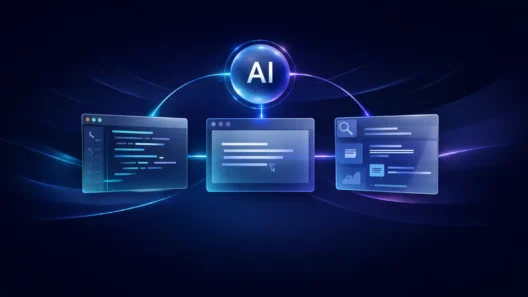
[…] matters because a normal chatbot and an agentic system may look similar at first. Both might use a chat box. Both might answer a question. But […]